What is Helicopter Escape?
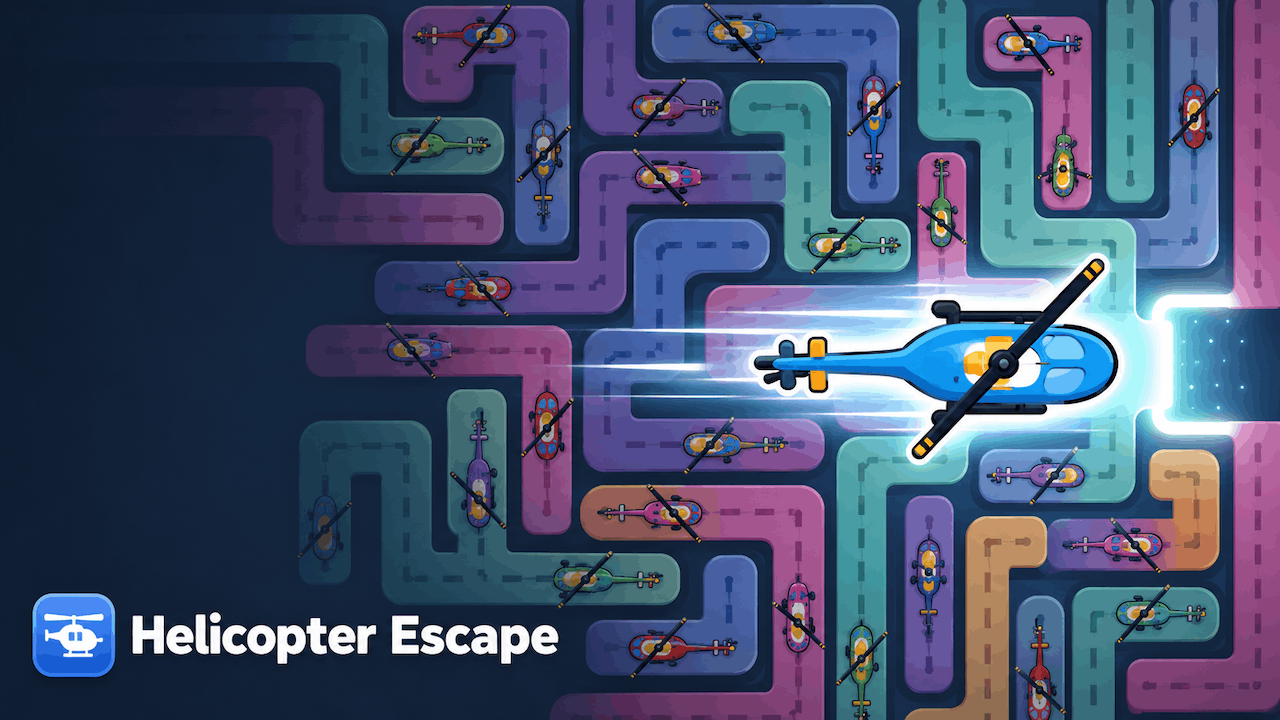
Helicopter Escape is a one-touch flying challenge. Tap to keep your chopper airborne and thread it through a relentless run of caverns and obstacles to escape.
How to Play
Helicopter Escape is a fast, one-touch survival run. Hold to make the helicopter climb and release to let it fall — that's the entire control scheme. The skill is in the timing.
The tunnel scrolls faster the longer you last, and the gaps get tighter. Feather your taps to hold a steady line through narrow passages, then dive or climb hard to slip past obstacles. One collision ends the run — so it's you versus your own best distance.
Every attempt is quick, which makes it the classic "just one more try" loop. Chase a longer run each time and beat your high score.
Controls
- Ascend: Hold Click / Hold Tap / Space
- Descend: Release
- Restart run: R
Tips and Tricks
- Use lots of small taps instead of one big one — tiny corrections keep you centered in the gap.
- Look ahead, not at the helicopter. Reacting to what's coming beats reacting to where you are.
- When the tunnel narrows, slow your rhythm down and aim for the middle of each gap.
- Speed ramps up with distance, so bank calm early progress before the run gets frantic.
Why People Love Helicopter Escape
With a 4.3/10 average over 640 ratings, Helicopter Escape has built a steady following among puzzle fans. The escape / obstacle / 2d vibe keeps each session fresh, and the short loop makes it easy to fit in between meetings, classes, or longer game sessions.
FAQ
- Is Helicopter Escape free to play?
- Yes — Helicopter Escape is completely free. No downloads, signups, or payments, and it runs in your browser.
- Does Helicopter Escape work on mobile?
- Yes. One-touch controls make it a natural fit for phones and tablets in any modern mobile browser.
- How do you play Helicopter Escape?
- Hold to make the helicopter rise and release to let it drop. Time your taps to fly through the gaps and avoid every obstacle for as long as you can.
- Will my high score be saved?
- Your best distance is stored locally in your browser and resets if you clear your browser data.